OCR Engine Comparison for Dense Technical PDFs
Vendor benchmarks measure clean text, not the dense PDFs that break OCR in practice.
Dense technical PDFs break OCR engines in ways clean printed text never reveals. Multi-column academic layouts, LaTeX equations, nested tables, and scan artifacts from documents nobody's rescanned since the Reagan administration all expose the same industry secret: the accuracy number on the landing page was almost certainly measured on a document nothing like the one sitting in your pipeline. This piece compares how the major OCR engines handle those specific failure conditions and argues for a fairly blunt conclusion: architecture matters more than brand, and picking the vendor with the biggest name instead of the closest match to your document type is how extraction errors end up buried in every downstream system, search, analytics, compliance, that trusted the output.
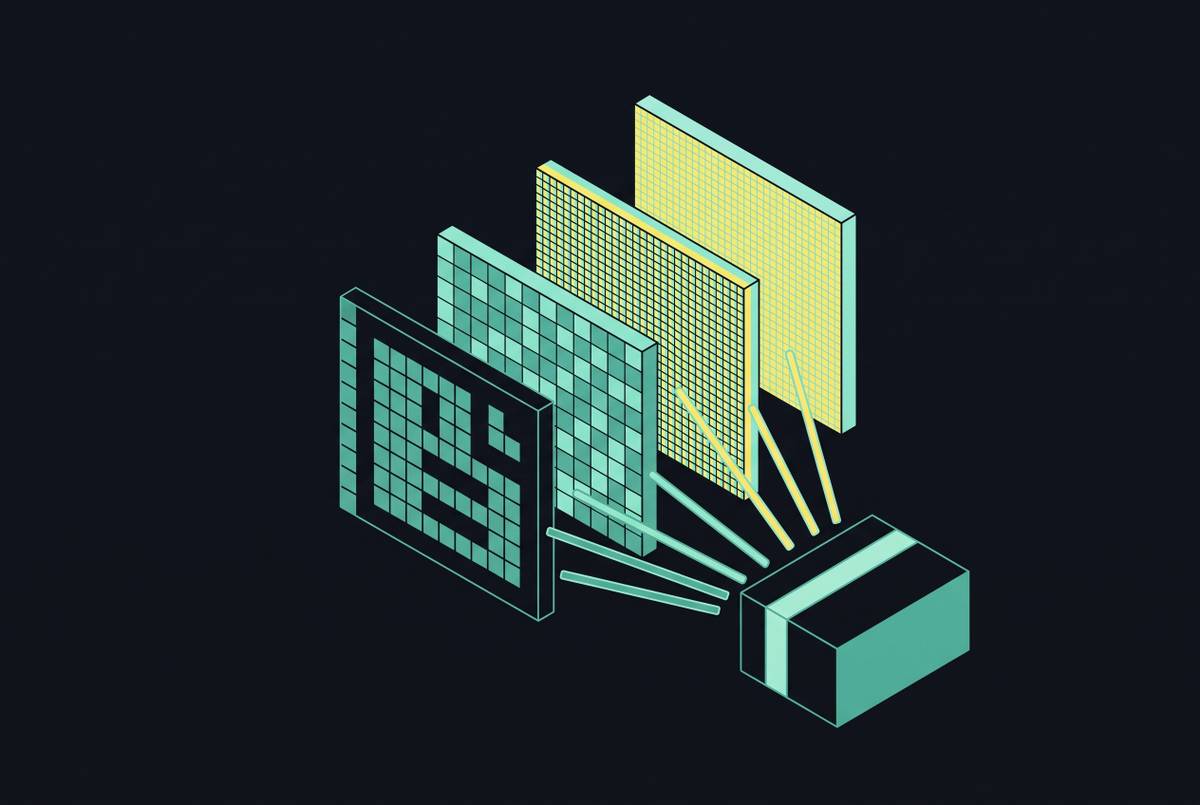
Vendor accuracy claims get measured on clean, single-column printed text almost every time. A two-column paper with inline formulas and a degraded scan hits every stage of an OCR pipeline at once, and the published 99% figures don't survive contact with that kind of document. Name the actual failure modes: column bleed, where text from adjacent columns merges into one stream; equation mangling, where LaTeX symbols turn to garbage or drop out entirely; table collapse, where structured cells flatten into strings with no row or column alignment; and plain old scan degradation, ink bleed-through, low resolution, skewed pages, that exposes the floor of whatever engine is running. What follows is a case for matching engines to the conditions your documents actually present, weighed against what the headline number on the landing page actually measures.
The two architectural approaches engines use to read a page
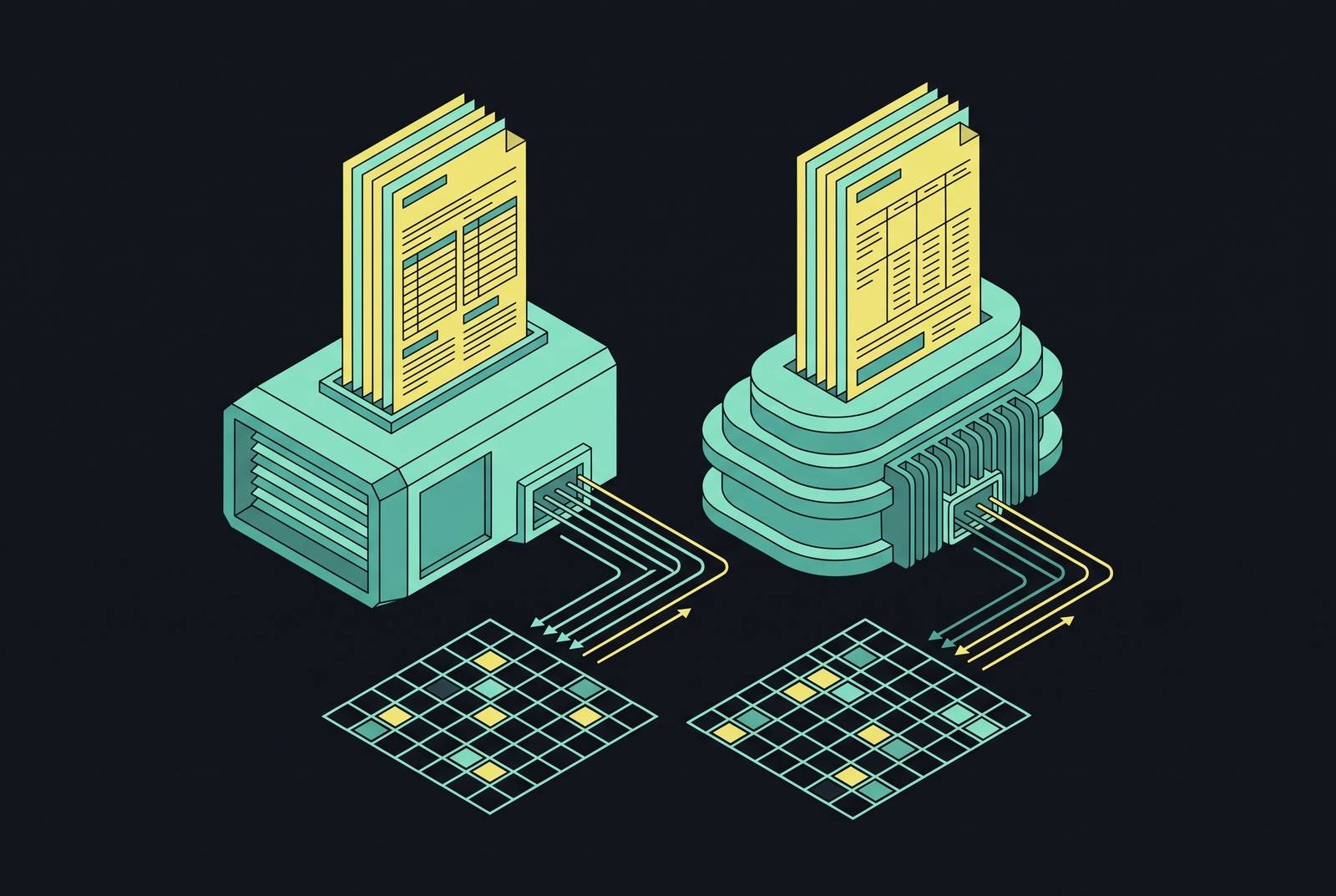
Traditional pipeline OCR runs in stages: find the regions, recognize the characters, then reconstruct the layout. Each stage is a separate model, and each is a separate place for things to go wrong. It runs cheap on CPUs, handles big batches with predictable timing, and hands back a confidence score per character, which matters when someone needs to audit results later. The weakness sits in that last stage. Layout reconstruction happens after recognition, as an assembly job stitching characters back into columns and tables, bolted onto the recognition step instead of built alongside it.
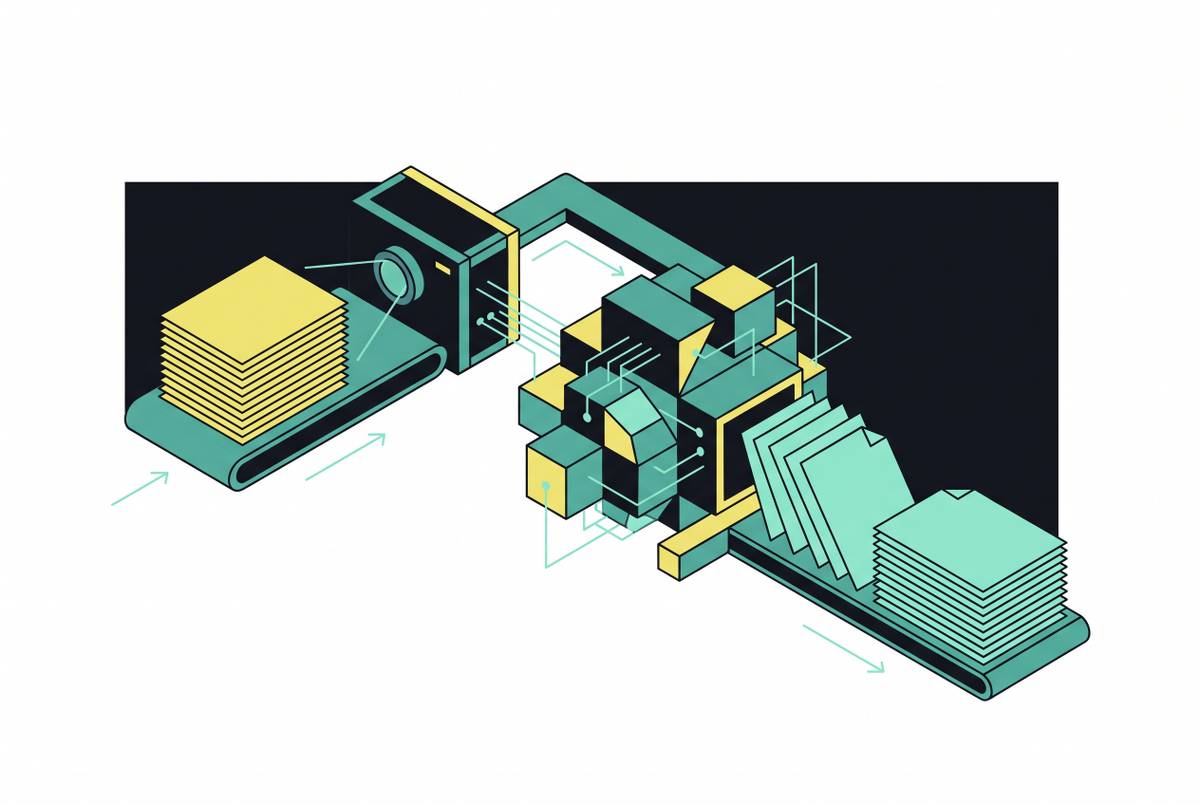
VLM-based OCR runs the job in one pass. A single multimodal model looks at the full page image and produces structured output, usually markdown or HTML, straight through. Column boundaries, table cells, and equation positions get read as visual context directly, so layout and recognition happen together instead of one waiting on the other. The cost shows up in compute and latency: these models are heavier to run, slower and less predictable in response time, and harder to deploy on a laptop or a cheap CPU box.
Here's the part worth taking a position on: pipeline OCR is the better default for most workloads, and the industry's drift toward VLM-based engines for everything is getting ahead of the evidence. Two engines can each claim high accuracy on printed text and then produce wildly different output on a two-column paper with equations, because that number was measured on the part of the job both architectures already handle fine. Unless your documents are genuinely dense with math or nested tables, the staged pipeline's cheaper compute and per-character confidence scores are worth more than a single-pass model's unproven edge.
How the available benchmarks measure — and where they fall short
OmniDocBench, presented at CVPR 2025, is the closest thing the field has to an independent, wide-coverage benchmark for document parsing. It covers 1,651 PDF pages across 10 document types, 5 layout types, and 5 language types, with 28 block-level annotation categories covering the full range of structural elements found in real documents. The pages span a range of real-world conditions rather than the clean single-layout scans that flatter vendor benchmarks. The core metric is edit distance: how many character-level insertions, deletions, and substitutions separate a model's output from ground truth, smaller being better.
olmOCR-Bench adds a different axis: input diversity. It tests across a range of challenging conditions, including degraded scans, ArXiv papers thick with math, and multi-column layouts. Open-source models land in the 75 to 83% range on its harder parsing splits, a useful floor for setting expectations before anyone promises 99% on anything.
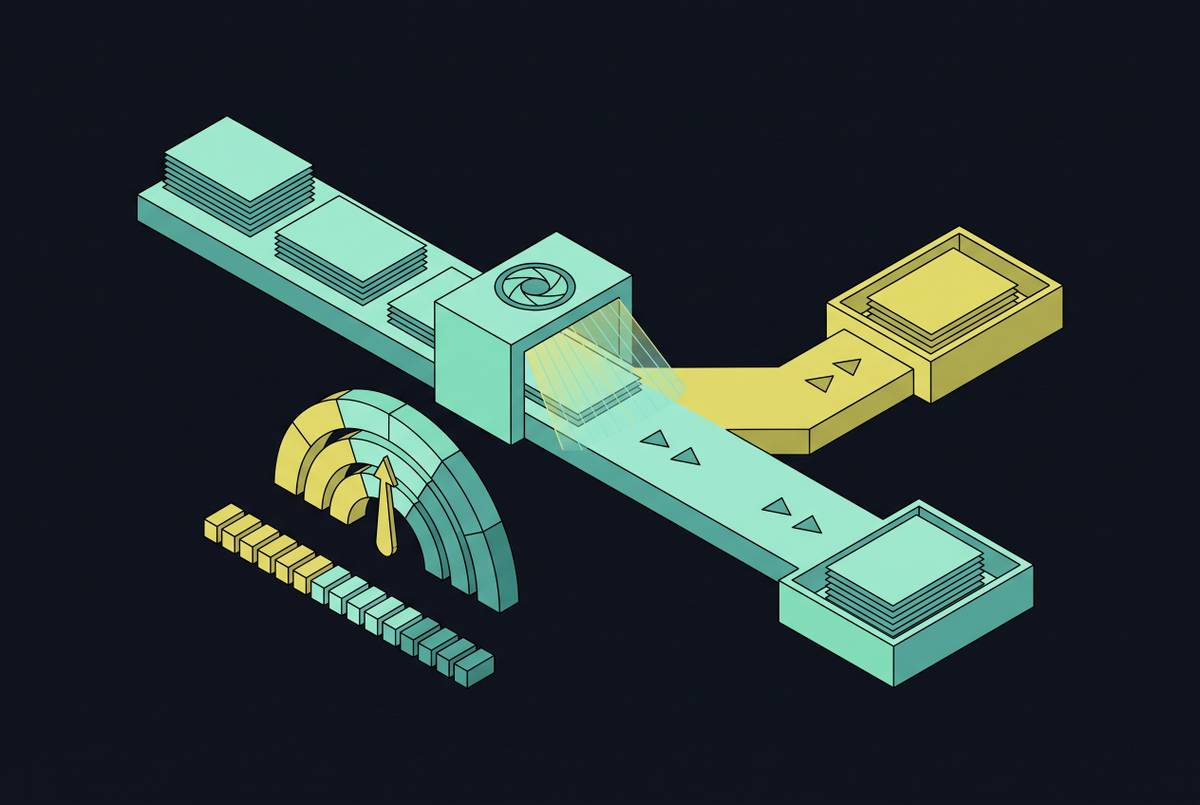
Here's what vendors leave off the slide: both benchmarks share a structural blind spot. Edit distance punishes small, harmless formatting differences just as hard as it punishes real errors, so a model producing clean markdown for a table can score worse than one spitting out a slightly garbled plain-text approximation that happens to match the reference string more closely. Vendor-reported numbers typically come from proprietary test sets that independent researchers haven't widely replicated. Treat benchmark rankings as a compass, not a scoreboard. What actually matters is whether an engine's failure modes overlap with what your documents look like.
Tesseract: the developer's baseline and where it hits its ceiling
Tesseract 5 is the reference implementation of pipeline OCR: open-source, free, wired into more toolchains than anyone's bothered to count. On clean printed text it reaches 98 to 99% accuracy on high-quality scans. Speed holds up too, about 2 seconds per English page on a 12-core, 4.3 GHz desktop, fine for batch jobs on ordinary hardware. Ask it to read Arabic, though, and that jumps to 17 seconds a page on the same machine. Script complexity is its own variable, and Tesseract feels every bit of it.
The ceiling shows up fast once documents get technical. Multi-column layouts routinely defeat reading-order reconstruction, with text from adjacent columns merging into one garbled stream. Tables come out with no native structure at all; finding cell boundaries means building your own post-processing on top, from scratch, every time. Equations fare worse still. LaTeX symbols were never a recognition target to begin with, so math gets garbled or vanishes outright.
Tesseract suits a developer building a custom pipeline who controls preprocessing and is willing to write the surrounding logic. Hand it a batch of technical PDFs cold, outside that context, and its printed-text numbers stop being a useful guide to how it'll perform. Most Tesseract disappointments trace back to exactly that mismatch: expecting printed-text performance from a tool asked to handle conditions it was never built for.
ABBYY FineReader PDF 16: layout reconstruction as the core competency
ABBYY's headline numbers: 99.8% accuracy on printed text, support for 198 languages, pricing that starts at $99 a year, the lowest entry point of any commercial engine covered here. The real differentiator for technical PDFs, though, is layout segmentation rather than the character recognition score alone. FineReader detects multi-column structures and reconstructs reading order correctly, which is exactly the failure mode that rules Tesseract out for newspaper-style or academic layouts. Table detection works off ruled lines and consistent vertical alignment, and it produces actual structured output, Excel or HTML, instead of a wall of collapsed text. That matters for financial tables and the data-heavy appendices technical documents tend to bury at the back.
It has limits. Accuracy drops on very low-quality scans, the archival-document scenario where ink bleed and page skew do their damage. Equation handling beats Tesseract but still falls short of what VLM-based engines manage on dense LaTeX. Mac users get a version with fewer features than Windows, and pricing is subscription-only, no perpetual license.
Sit with the pricing gap for a second: at $99 to $165 a year against Acrobat Pro's $240, ABBYY runs 31 to 59% cheaper while delivering better OCR accuracy. If extraction is the actual job rather than a feature bolted onto something else, that gap is hard to argue against, separate from whatever PDF editing comes bundled alongside OCR elsewhere.
Adobe Acrobat Pro and AWS Textract: strong character recognition, structural trade-offs
Acrobat Pro is the industry standard for PDF workflows generally, with automatic detection across more than 50 languages. It doesn't publish a specific accuracy figure the way ABBYY does; "industry-leading" is the extent of the claim, which should tell you something on its own. Character recognition holds up fine, but table structure handling is weak, consistent with its design as a PDF editor with OCR riding along as an add-on rather than a dedicated extraction engine. Its AI Assistant add-on, $24.99 a month, layers in summarization and information extraction, useful for a knowledge worker skimming contracts, beside the point if you're running a programmatic extraction pipeline. The honest fit is an organization already living inside the Adobe ecosystem, where PDF editing is the primary job and OCR just rides along.
AWS Textract has moved in a more technical-document-friendly direction. Recent updates have pushed in a more technical-document-friendly direction, and its API surface is broad enough to address a range of structured extraction needs. Its API offers features that pull out structured data from forms rather than returning raw text, a genuine structural win for form-heavy technical documents. Structured extraction features aim to group content into logical reading order automatically, reducing the need for custom post-processing. Independent research has generally found cloud-based processors to outperform Tesseract on noisy documents, which is where Textract tends to earn its keep.
On pricing, Textract runs $1.50 per 1,000 pages for basic text extraction, dropping to $0.60 per 1,000 above the 1 million page mark. Structured extraction, tables and forms, jumps sharply to $10 to $50 per 1,000 pages. At 10 million pages a month, that structured tier alone lands somewhere between $100,000 and $500,000. Worth knowing before anyone signs off on using Textract for everything: the noisy scans are where it earns its keep, and the structured-extraction tier deserves scrutiny before committing at that price point.
Google Document AI and Azure Document Intelligence: where cloud APIs lead on structured documents
Google Cloud Vision reportedly hits 99.1% accuracy on printed English text per a 2026 benchmark report, the highest figure among the sources reviewed here. Google rolled out a Gemini-powered Layout Parser update that meaningfully improved complex table extraction, pushing field-level extraction accuracy to around 92%. The platform ships with more than 100 pre-trained processors for domain-specific document types, including more than 100 pre-trained processors for domain-specific document types.
For pulling structured data out of business documents, invoice line items, dates, totals, Document AI is a reliable pick, since its models are built around document structure alongside character recognition. But here's the catch for technical PDFs specifically: those pre-trained processors are optimized for specific document domains. Scientific papers and engineering specs aren't the domain they trained on, so expect less of an edge there than the headline numbers suggest. That's the trap in reading vendor benchmarks generally: a 99.1% number earned on printed English text tells you nothing about how the same model handles a nested integral.
Azure Document Intelligence sits in a similar cloud-API tier, a safe default for standard forms and clean printed documents. Pricing runs $1.50 to $15 per 1,000 pages depending on feature tier, roughly the same band as Textract and Document AI, so the real differentiator is accuracy and integration quality, not list price. It fits organizations already running on Microsoft infrastructure, where integration cost counts for as much as raw OCR performance.
Mistral OCR and VLM-based engines: what single-pass document understanding changes for equations and tables
Mistral AI released its OCR offering in 2025, API-only, built around reading the whole page as an image instead of running a staged recognition pipeline. Mistral's own benchmarks report strong accuracy, multilingual documents included. Worth flagging plainly: these are vendor-reported numbers on Mistral's own test sets, and independent replication has not yet caught up. Take the headline figures as a claim worth watching, the same caveat that applies to every vendor benchmark in this piece.
Where the architecture actually changes the outcome is worth spelling out concretely. Equations get read as a visual pattern in context rather than a sequence of individual symbols classified one at a time, so inline and display math have a better shot at coming through intact. Tables get inferred from the whole page at once, so complex nested tables that defeat line-detection heuristics in pipeline engines can still parse correctly in a single pass. Multi-column reading order comes from understanding spatial layout directly, instead of stitching character coordinates back together after the fact.
None of this comes free, and this is the part that should temper any enthusiasm. VLM-based engines need more compute, run poorly on CPU-only batch setups, and hand back generated text, markdown or HTML, instead of a character stream with per-character confidence scores, which makes auditing the output harder. API-only availability also means documents leave your environment entirely, a real constraint for regulated industries handling sensitive material. The architecture points in a promising direction for dense technical PDFs on paper. Whether it's the right choice today depends on whether independent benchmarking catches up to the vendor claims before your compliance team notices the documents aren't staying put.
Which engine matches which document condition
The decision comes down to document characteristics more than brand loyalty, even though brand loyalty is what most procurement decisions run on anyway. Clean, single-column printed text at high volume calls for Tesseract with a preprocessing pipeline, or Azure Document Intelligence, where pricing runs in the same band as the other cloud APIs. Multi-column academic or newspaper-style layouts point toward ABBYY FineReader PDF 16 if a traditional pipeline suits the workflow, a VLM-based engine if layout fidelity matters more than predictable latency. Structured tables in financial or administrative paperwork favor Google Document AI for its broad library of domain-specific processors, or ABBYY where output format control matters more than raw processor count.
Dense mathematical equations and LaTeX are where VLM-based engines hold the clearest architectural edge, and this is the one condition where reaching past pipeline OCR is actually justified. Traditional pipelines, ABBYY included, beat Tesseract on equations but still struggle once the math gets genuinely dense: nested fractions, multi-line derivations, the stuff that shows up in a physics preprint rather than a high school worksheet. Degraded archival scans point toward AWS Textract, given its strengths on noisy and low-resolution scans, or Google Document AI, both of which substantially outperform Tesseract on noisy input according to peer-reviewed benchmarking.
None of this settles into a ranking with one winner at the top, and treating it like one is the mistake most buyers make before they've even opened a sample document. It's a matching exercise: know what your documents actually look like, know which failure mode is going to bite first, a page skew, a merged column, a table that collapses into one long string, and weigh that against the architecture built to survive that specific failure. That match matters more than the biggest number on any landing page.